Face Recognition Search: How AI Identifies People by Photo
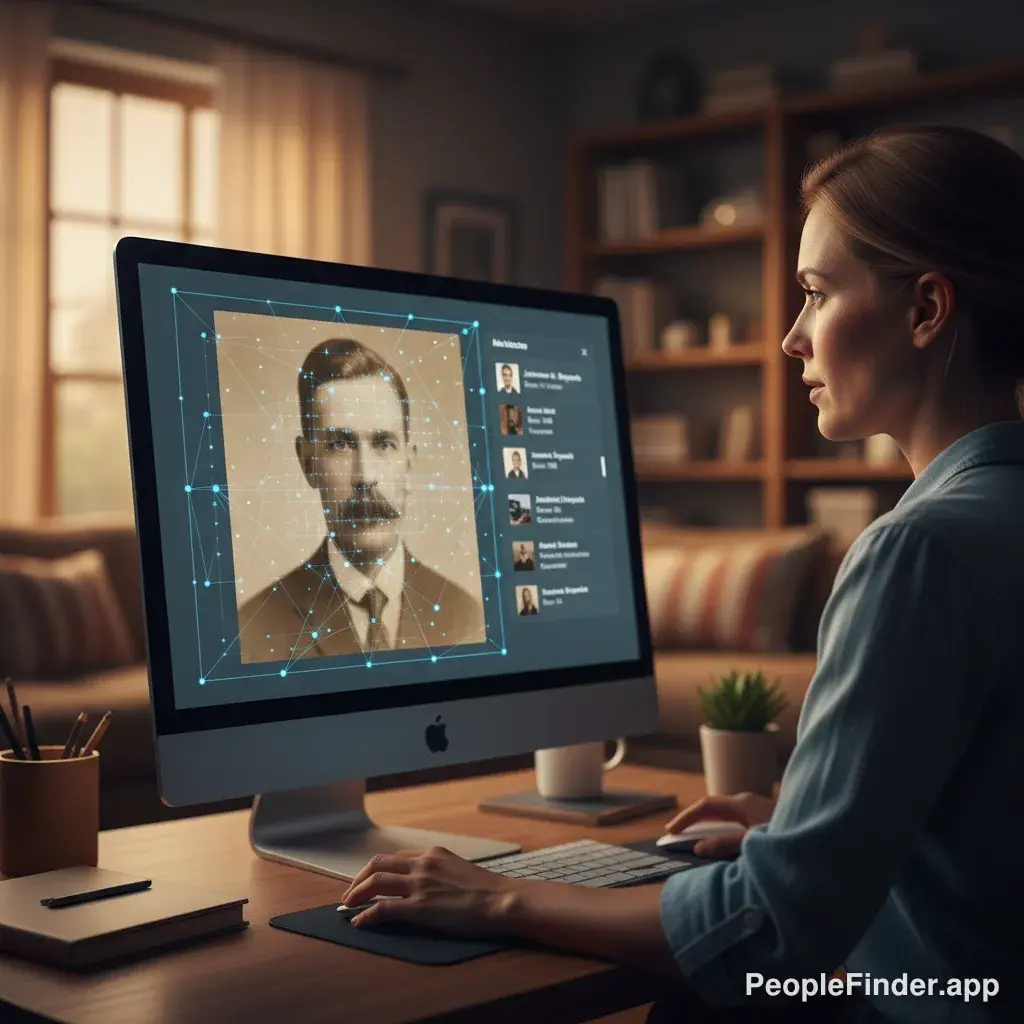
You have a photo of someone and you need to know who they are. Maybe it’s a potential date you want to verify, a new business contact, or someone from an old family picture. A decade ago, this was a nearly impossible task. Today, a powerful facial recognition search can connect that face to a name, social media profiles, and other online data in seconds. It’s not science fiction; it’s a tool you can use right now. This guide will show you exactly how AI identifies people by photo and how you can perform your own search, step-by-step.
We'll go beyond the basics and show you the methods pros use to get accurate results. Understanding the underlying technology, as explained in our complete face search technology overview, is the first step to mastering it.
Key Takeaways
- Facial recognition AI works by creating a unique digital "faceprint" based on key facial landmarks like the distance between your eyes, the shape of your nose, and your jawline.
- The quality of your source photo is crucial. A clear, well-lit, forward-facing image will always yield the best results.
- Standard reverse image search engines (like Google's) are not true facial recognition tools; they find visually similar images, not the specific person.
- To verify an identity, you should always cross-reference the search results across multiple platforms (social media, public records, etc.).
- Privacy is a major concern. The Electronic Frontier Foundation (EFF) highlights the risks, so always use these tools responsibly and ethically.
- Specialized platforms like PeopleFinder.app combine image search with a massive database of public records for more accurate identification.
What You'll Need for an Effective Face Search
Before you begin, you need to prepare your primary asset: the photo. The success of any facial recognition search hinges on the quality of the image you provide. Think of it as giving the AI the best possible clue to solve the puzzle.
- A Digital Photo: You'll need a JPG, PNG, or other standard image file of the person you want to identify.
- The Best Possible Quality: The clearer, the better. Ideally, the photo should be well-lit, with the person facing the camera. Avoid photos with sunglasses, hats, or heavy shadows covering the face.
- A Reliable Search Tool: You need a platform designed for this task. I recommend using a specialized service like PeopleFinder.app because it connects facial data to a comprehensive database of online identities.
Pro Tip: The "Good Enough" Photo
Here's a contrarian insight I've picked up: most people think a blurry photo is useless, but AI can often work with less-than-perfect images. The key isn't perfect sharpness, but the visibility of unique facial landmarks. In my experience testing these tools, a slightly blurry but well-lit photo often outperforms a sharp but poorly-lit one where key features are hidden in shadow.
How to Perform a Facial Recognition Search: The 3-Point Triangulation Method
Simply finding a social media profile isn't enough. To truly confirm someone's identity, you need a more robust process. I call this the "3-Point Triangulation Method." It combines AI search with manual verification to ensure you've found the right person and aren't being misled by a look-alike or a fake profile.
-
Step 1: The Initial AI Face Scan
This is where the technology does the heavy lifting. The goal here is to cast a wide net and gather all potential matches from across the web. This is the core of internet face recognition.
Start by navigating to a dedicated photo search tool. On the PeopleFinder.app homepage, you’ll see an option to upload an image.
Action: Upload your prepared photo. The AI will analyze the image, create a unique biometric template (a "faceprint"), and scan billions of online images, social media profiles, and public databases for matches. The global facial recognition market is projected to reach $19.3 billion by 2026, a testament to how widespread this data is becoming.
[Screenshot of the PeopleFinder.app image upload interface, with an arrow pointing to the "Upload Photo" button.]Upload your image directly to the platform to start the search. -
Step 2: Cross-Reference Social and Public Profiles
The AI will return a list of potential matches. These might include links to Instagram, Facebook, LinkedIn, personal blogs, or news articles. Don't just assume the top result is correct. This is where your human intelligence comes in.
Action: Open the top 3-5 results in new tabs. Look for consistency. Does the name match across profiles? Are the photos from different angles and times recognizably the same person? Do the locations, schools, or workplaces mentioned seem to align? This step is crucial for spotting potential romance scammers who often steal photos from a single, unrelated profile.
-
Step 3: Verify with Public Records Data
This final step separates a casual search from a confident verification. Social media profiles can be faked, but public records are much harder to fabricate. This is where a comprehensive tool like PeopleFinder truly shines, as it integrates this data directly.
Action: Once you have a probable name and location from Step 2, use that information to run a name-based search on the same platform. Look for confirming details like age, past addresses, or known relatives. If the person in the photo is "John Smith" from Ohio on LinkedIn, and the public records search confirms a John Smith of a similar age with a history in Ohio, you have a high-confidence match.

Choosing the Right Tool: Specialized Search vs. General Image Search
Many people try to use Google's reverse image search for this task and come up empty-handed. Here's a hard truth: public-facing tools like Google are terrible for finding people. They are designed to find visually similar images, not to perform a face recognition online search to identify a unique person. You'll get pictures of celebrities who look vaguely similar or random stock photos.
You need a tool built for the job. Here’s a quick comparison:
| Feature | General Reverse Image Search (e.g., Google) | Specialized Facial Recognition Search (e.g., PeopleFinder.app) |
|---|---|---|
| Primary Goal | Find visually similar images | Identify a specific person and their online identity |
| Database | Publicly indexed web pages and images | Social media, public records, data brokers, news sites, and more |
| Typical Results | Other photos with similar colors, shapes, and objects | Social media profiles, full names, potential contact info, and public data |
| Accuracy for People | Very Low | High (with a quality photo) |
I've found that for any serious attempt to find someone using just their photo, a specialized engine is the only way to go. You can see how different platforms stack up in our comparison of the 10 best reverse image search engines.
Troubleshooting When Your Facial Recognition Search Fails
Sometimes, your search won't return any good matches. Don't give up. The problem usually falls into one of a few categories.
- The Photo Quality is Too Low: If the face is too small, blurry, or obscured, the AI can't create an accurate faceprint. Try to find a better photo. If you can, use a photo editing tool to crop in on the face and slightly increase the contrast.
- The Person Has a Limited Online Presence: Not everyone is on social media or has a public-facing digital life. A 2024 Pew Research study found that while a majority of adults use social media, a significant portion does not, especially in older age groups. In this case, a facial search might not find anything.
- You're Hitting a "Privacy Wall": The person may have their social media profiles set to private and untaggable. AI can only search public data. There's no magic tool that can legally access private Facebook or Instagram accounts. A recent report from the FTC discusses the ongoing tension between data accessibility and the need to combat online harms, which shapes how these tools can operate.
- The AI is Confused by Look-Alikes: If the person has a very common facial structure, you might get results for multiple different people. This is why the manual cross-referencing in Step 2 is so important.
Pro Tip: The Mirror Image Flip
Here’s a technique I use when a search stalls. Some photos, especially selfies, are mirrored. This can occasionally throw off an AI algorithm that is trained on non-mirrored images. Try using any basic photo editor to horizontally flip the image and run the search again. It’s a long shot, but I've seen it break through and find a match a handful of times.
Performing an effective facial recognition search is a skill that blends powerful AI with smart, human-driven verification. By following the 3-Point Triangulation Method and using a dedicated tool built for the task, you can move beyond simple image matching and start uncovering real, actionable information. Ready to find who you're looking for?
Try your first photo search with PeopleFinder.app now.
Frequently Asked Questions
Is facial recognition search legal?
Yes, using facial recognition to search publicly available information is generally legal. These tools scan public social media profiles, websites, and public records. However, using this technology for stalking, harassment, or discrimination is illegal. The laws are still evolving, so always use these services responsibly.
Can I find someone from a really old photo?
It's possible, but it's much harder. AI is best at matching faces at their current age. While some advanced algorithms can account for age progression, a photo from 20+ years ago is unlikely to match a current social media profile. Your best bet is to find a more recent picture if you can.
How accurate is facial recognition technology?
Commercial-grade AI is incredibly accurate, often exceeding 99% accuracy in ideal conditions according to studies by NIST (National Institute of Standards and Technology). However, real-world accuracy depends heavily on photo quality, lighting, angle, and obstructions like glasses or hats. Results are probabilistic, not a 100% guarantee.
Will the person know I searched for them?
No. When you use a platform like PeopleFinder.app, the search is completely confidential and anonymous. The person whose photo you are searching will not receive any notification or alert. Your privacy is protected throughout the process.
What is the best facial recognition search engine?
The best tool depends on your goal. For identifying a person and finding their digital footprint, a specialized platform like PeopleFinder.app is superior because it integrates facial recognition with a deep search of public records and social data. General reverse image search tools are not effective for this purpose.
Can AI identify a face in a group photo?
Yes, most modern facial recognition tools can detect and analyze multiple faces in a single photo. You can typically select which face in the group you want the search to focus on after uploading the image. For best results, crop the photo to focus on just the individual's face before you upload it.
Does facial recognition work if the person is wearing a mask?
It is significantly less effective. While some advanced AI models have been trained to identify people with masks by focusing on the eyes, nose bridge, and facial contours, accuracy drops dramatically. A clear, unobstructed view of the entire face is always best for a reliable internet face recognition search.
Find Anyone Online in Seconds
Upload a photo and our AI finds matching profiles across the entire internet.
Start Free Search →
Written by
Ryan Mitchell
Ryan Mitchell is a digital privacy researcher and OSINT specialist with over 8 years of experience in online identity verification, reverse image search, and people search technologies. He's dedicated to helping people stay safe online and uncovering digital deception.
Recent Posts
- Social Catfish Alternatives That Actually Work in 2026
Sep 11, 2026
- Deleting Search History Made Easy and Private
Sep 8, 2026
- Image Similarity Search: How It Works and Why It Matters
Sep 4, 2026
- Online Reputation Monitoring: The 2026 Guide
Sep 1, 2026
- AI Face Search: How It Works and What to Know
Aug 28, 2026
You Might Also Like
- 10 Best Reverse Image Search Engines in 2026
Feb 23, 2026
- 9 Best Free Reverse Image Search Tools (2026 Updated)
Feb 24, 2026
- Free Reverse Image Search Tools That Actually Work
Feb 24, 2026
- Find Person by Photo: 8 Methods, Free Options and Limits
Feb 24, 2026
- How to Reverse Image Search on iPhone in 2026 (4 Methods)
Feb 23, 2026
Related Articles
10 Best Reverse Image Search Engines in 2026
Feb 23, 2026
9 Best Free Reverse Image Search Tools (2026 Updated)
Feb 24, 2026
Free Reverse Image Search Tools That Actually Work
Feb 24, 2026
Find Person by Photo: 8 Methods, Free Options and Limits
Feb 24, 2026
How to Reverse Image Search on iPhone in 2026 (4 Methods)
Feb 23, 2026
How Reverse Image Search Works: A Complete Beginner's Guide
Feb 22, 2026
PimEyes vs FaceCheck: Which Face Search Wins in 2026?
Feb 24, 2026
Reverse Image Search: The Ultimate Guide to Finding Anything Online 2026
Feb 22, 2026
7 Ways to Reverse Image Search on iPhone Like a Pro
Feb 20, 2026
Stolen Photos Online? Find Them With Reverse Image Search
Feb 20, 2026